
1. Why post a recurring ride
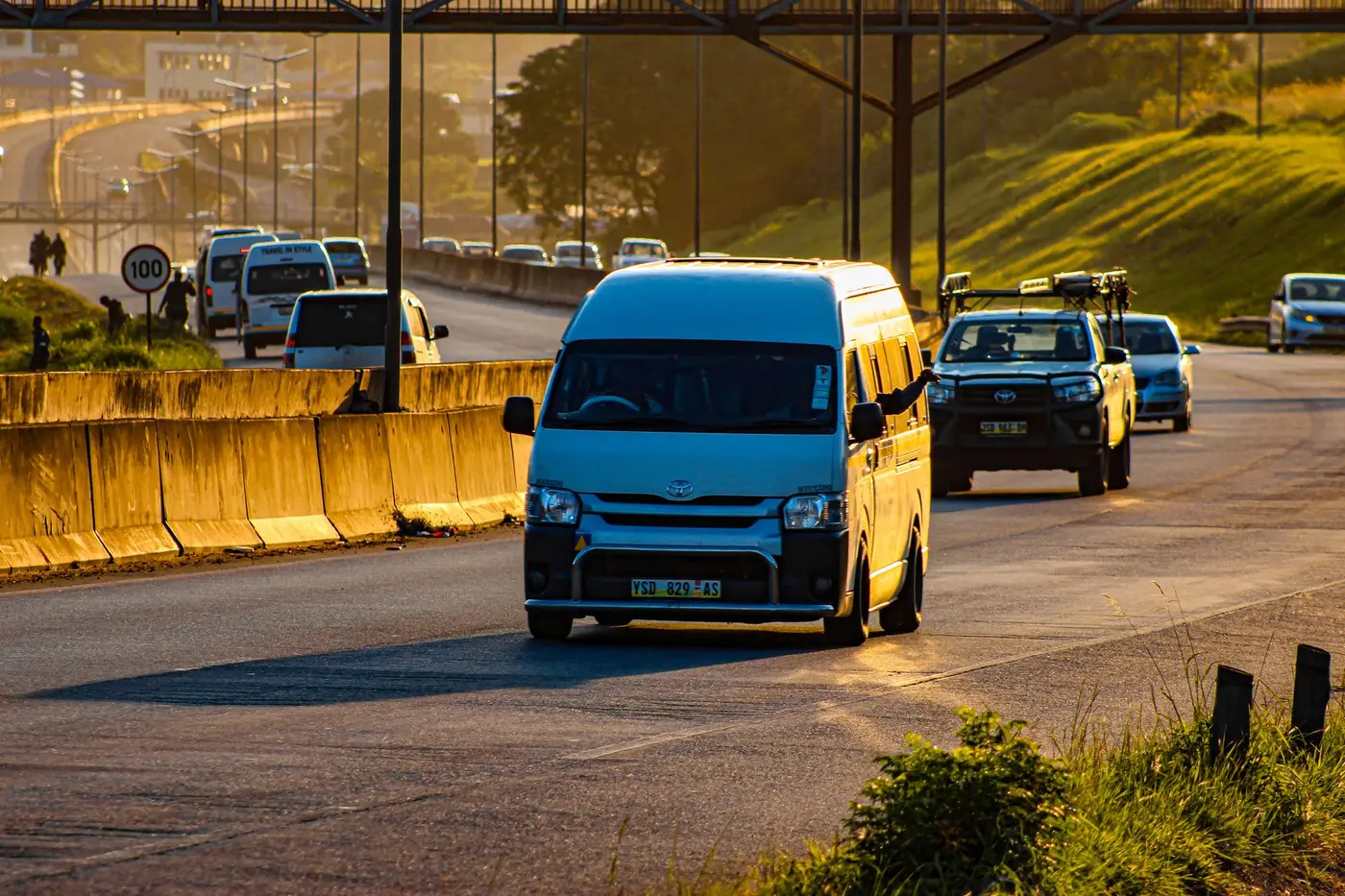
If you drive the same route at the same time every weekday, posting it again each morning is a chore. A recurring ride lets you post it once, for example Monday to Friday, Area 47 to City Centre at 5:30 PM, and it repeats every week.
For passengers that means the same driver and the same pickup each day, which is exactly what a commute needs.
2. How to set one up
- Make sure you are a verified driver, then tap Switch to driver mode on Discover or in Menu.
- Open Post Ride and set your route, any stops, the time and the seats you have free.
- Set a price at or below the cap for your distance.
- Post it as a recurring ride, such as Mon–Fri.
3. Pricing your commute
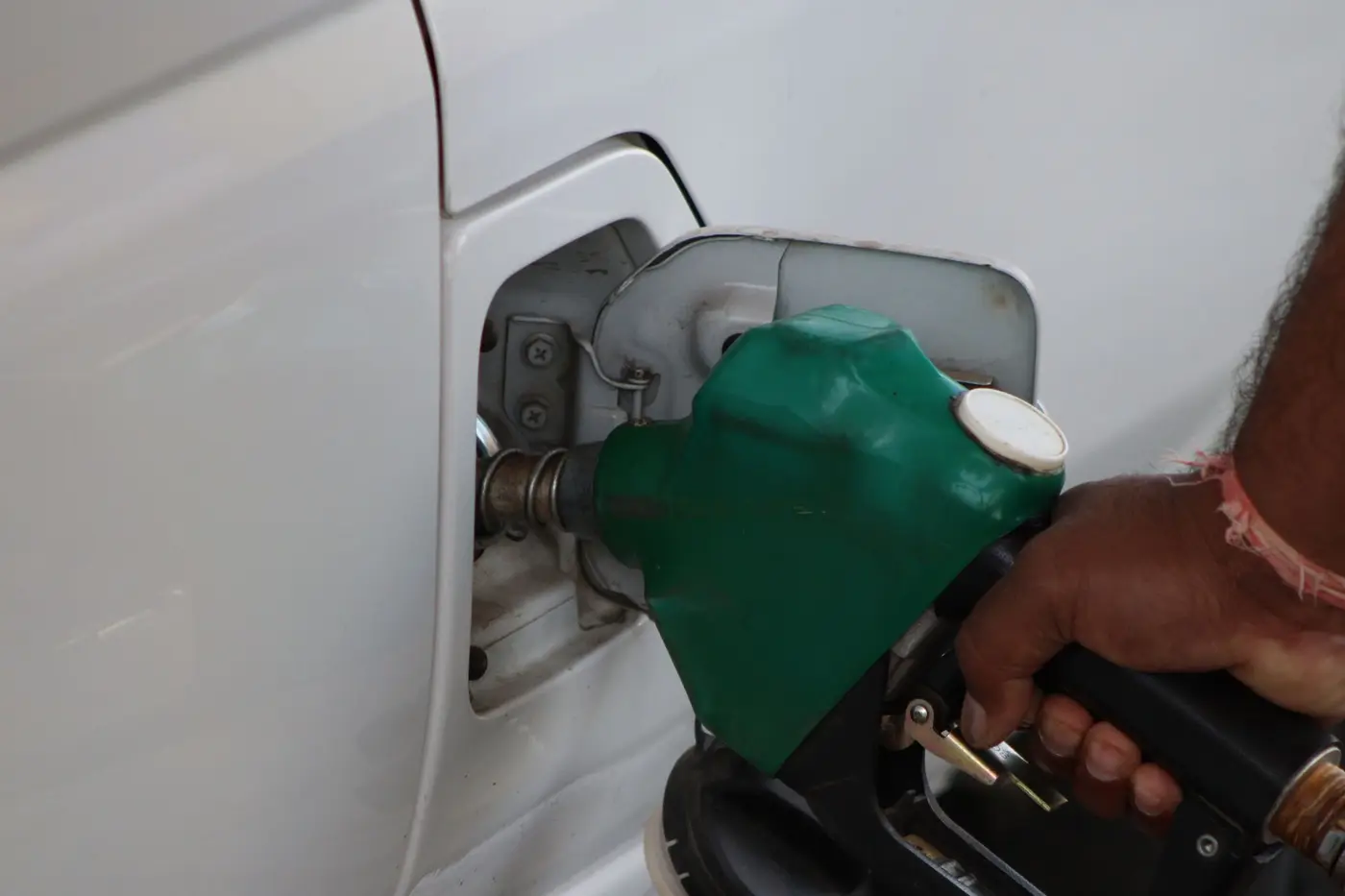
The most you can ask per seat is the distance multiplied by MK 130 per km. A 12 km commute from Area 25 to City Centre is capped at MK 1,560 a seat, and most drivers ask less. With a few regular passengers you recover a real share of your weekly fuel bill. See the full maths.
4. You choose who rides
You stay in control of every seat. Passengers search their From and To, compare rides and request to join. You see each request on the ride’s own page, check the passenger’s profile and accept or decline it. A request expires if you don’t reply within 24 hours, so answer promptly to keep your regulars.
Women drivers can also choose Women only when they post, so the ride is shown only to women.
5. When plans change
You can cancel a ride from My Rides. Cancelling is free until 2 hours before departure; after that it counts as a late cancellation. Late cancellations and no-shows are recorded and shown on your profile, so a dependable commute builds a good reliability score.
6. Getting started
Not a driver yet? Register as a driver first. We usually check new drivers within 24 hours.